Roles and billing
NP4th uses three roles—Owner, Admin, and User—plus separate legal gates for the EULA and MSA. Agent licenses are sold as a Stripe subscription ($1/month per agent, minimum 10). Agents need an available seat before they can scan.
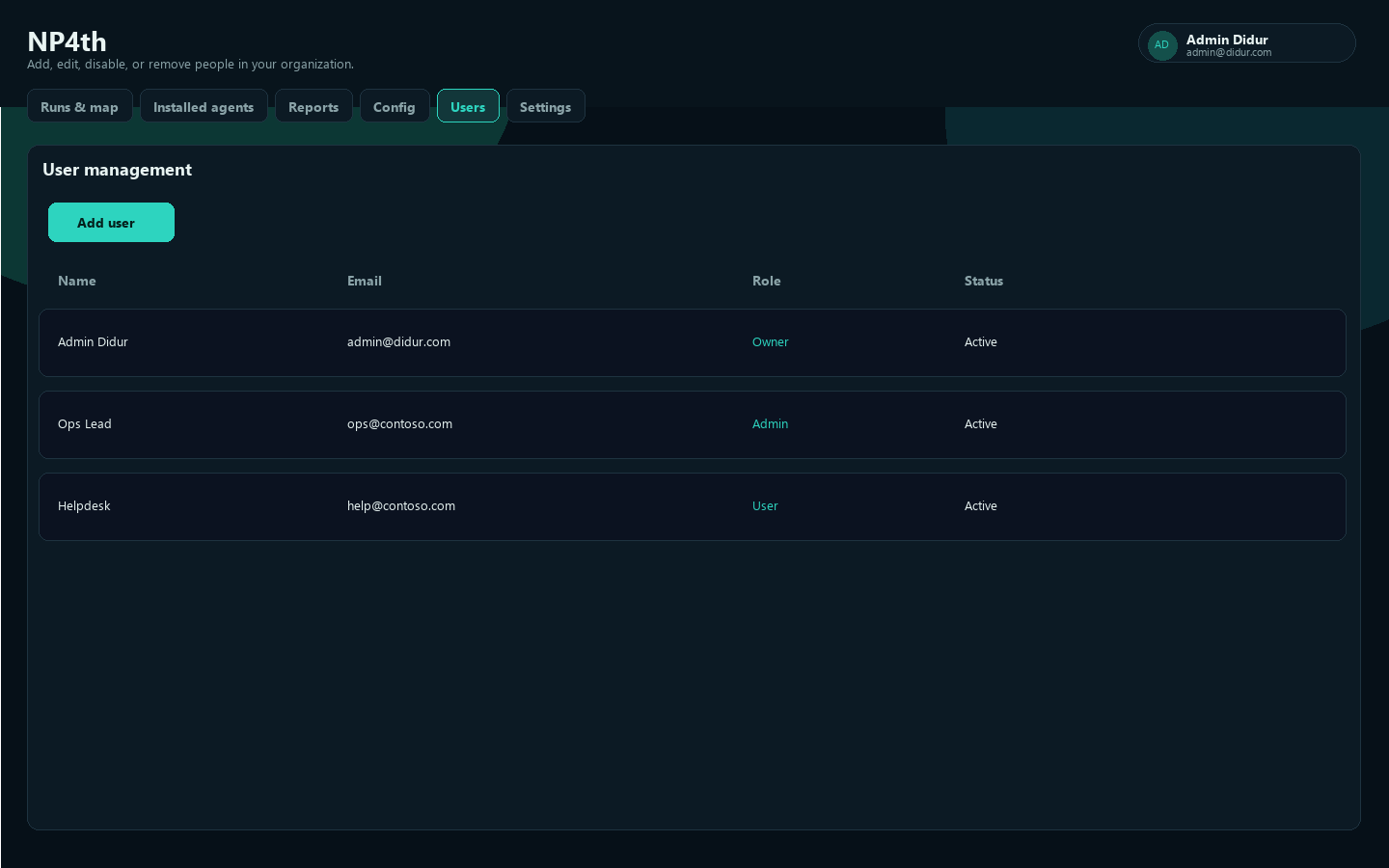
Role matrix
| Capability | Owner | Admin | User |
|---|---|---|---|
| Accept MSA for the organization | ✓ | ✓ | |
| Accept EULA (per user) | ✓ | ✓ | ✓ |
| Runs & map, Reports, Installed agents | ✓ | ✓ | ✓ |
| Config (targets, probe options, packs) | ✓ | ✓ | |
| User management | ✓ | ✓ | |
| Billing / purchase licenses | ✓ | ✓ | |
| Agent keys / Encryption / SAML SSO | ✓ | ✓ | |
| Settings Profile | ✓ | ✓ | ✓ |
| Edit Organization settings | ✓ | ✓ | |
| Password sign-in when SSO enforced | ✓ | ||
Break-glass /dashboard/local.html | ✓ |
The first user in an organization is Owner. At least one active Owner must remain.
Agent licenses (Stripe)
| Rule | Detail |
|---|---|
| Price | $1 / month / agent |
| Minimum | 10 seats ($10/month) |
| Cycle | Starts on the day you subscribe; renews monthly |
| Cancel | Self-serve in Stripe Customer Portal — access continues until the paid period ends |
| Seats | One seat per active lease — a device grabs a seat on scan (or license check) and holds it for 30 days or until the current subscription period ends, whichever is earlier. Each scan by that same device refreshes the 30-day hold (still capped by period end). |
Open Settings → Billing (or #billing) to purchase seats or manage/cancel the subscription.
Server config: store Stripe keys in Bitwarden Secrets Manager (stripe-secret-key, stripe-price-id, stripe-webhook-secret), then sync with deploy/scripts/Sync-StripeSecretsFromBitwarden.ps1 into Kubernetes secret connect-test-stripe. See the repo README Stripe section.
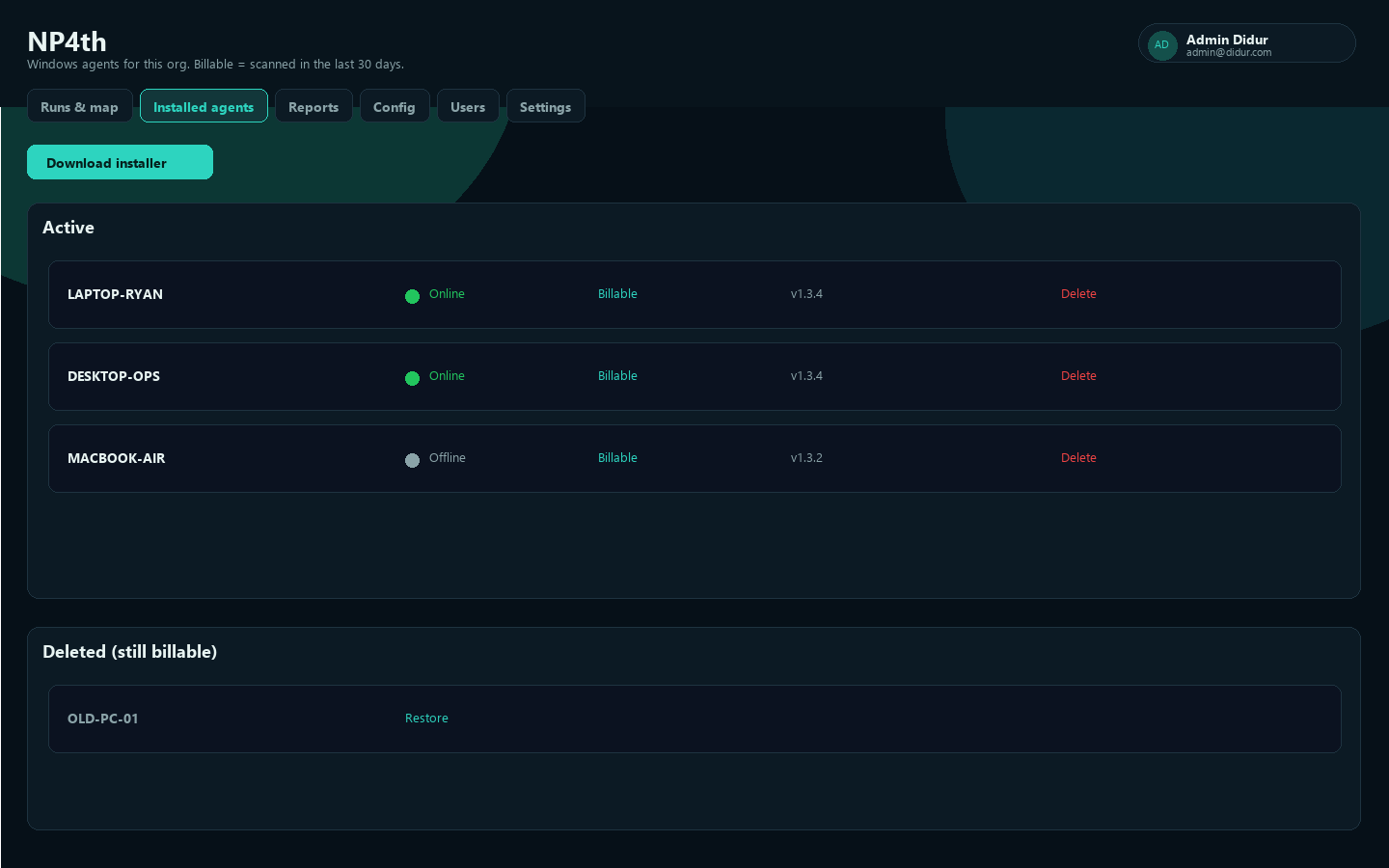
If an agent warns that no license is available, an Owner/Admin must buy more seats or soft-delete (unassign) an unused agent to free a seat immediately.
EULA vs MSA
| Agreement | Who | Button | Scope |
|---|---|---|---|
| End User License Agreement | Every user | I agree | Per user |
| Master Service Agreement | Owner or Admin | I agree for my organization | Whole org |
Until an Owner or Admin accepts the MSA, other users see that they are waiting for organizational acceptance.
30-day activity window
An agent is marked billable (activity) when it has heartbeat or run activity in the last 30 days. That window is for fleet visibility and is separate from used seats (count of devices with an unexpired seat lease). Scanning requires a purchased seat when license enforcement is on.
- Online is stricter: activity in about the last 15 minutes
- Soft-delete releases the seat lease immediately; natural expiry is the hold end (
min(now+30d, subscription period end))